Adobe Creative Cloud

Photoshop CC 2017 Now Available!

Posted on
Adobe Photoshop CC 2017 release

Adobe have just announced a new version of Photoshop – Photoshop CC 2017! There are a number of new features so I’ll just mention them. In-app Search Now you can quickly search Photoshop tools, panels, menus, assets from Adobe Stock, and more. And all this inside Photoshop using a new Search panel. Better integration with […]


Photography

Colour Management 101

Posted on
Colour Management

What is Colour Management? ColourManagement is a number of techniques we use to make sure that your print or your digital image are represented properly. It applies to both when you print your images so that they look right but also when you look at them on your computer screen that they look right, too. […]

Photoshop

Colour Lookup Tables in Photoshop

Posted on
Color Lookup Tables in Adobe Photoshop

Photoshop has a quite a powerful feature called Color Lookup Tables or LUTs, which has been in Photoshop for a number of years. Color Lookup Tables are like effects where you can apply a colour effect/scheme to an image. A bit like colour grading. LUTs are often used in films for colour grading. Applying a […]

Bridge

New Adobe Bridge CC with Stock Integration

Posted on
Adobe Stock in Bridge CC

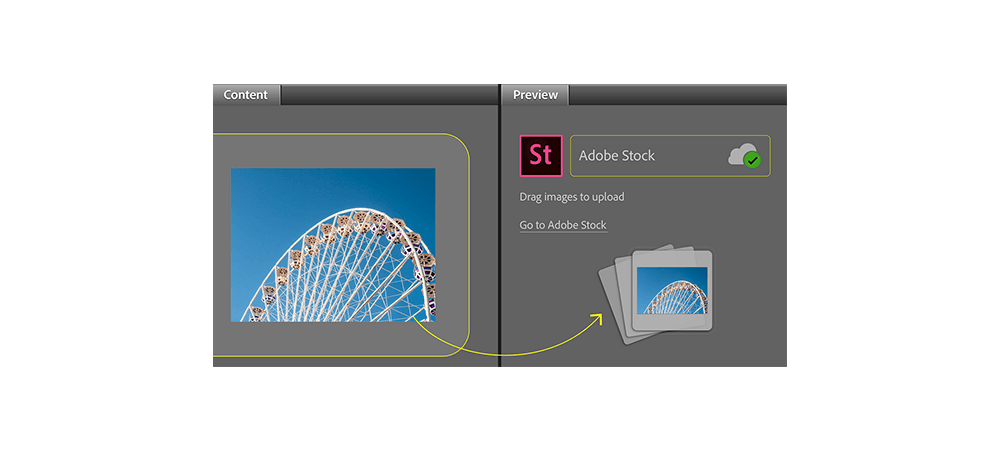
Now, with the latest version of Adobe Bridge CC 2015, you can upload images directly from Adobe Bridge to Adobe Stock. Using the new Publish panel inside Adobe Bridge , you can now easily upload your images to Adobe Stock Contributor portal and hopefully make some money from your images. Before you do that, you […]

Photography

Camera Types Pros and Cons

Posted on

What kind of cameras do we have? What are the difference between them? Which one are the best for me? These are just a few of very common questions I get. In this post I will try to shed some light on differences between different cameras and their pros and cons. Let’s start with the […]

Photography

Digital Workflow

Posted on
Digital Workflow

What’s your digital workflow? Do you have one? If not, implement one. Here’s an example of what your digital workflow could be. Here are the steps: Shoot Make sure you shoot in raw (or at least raw and jpeg). In this way, you get the best out of your camera and you can do more […]

Photoshop

Scrubby Sliders in Photoshop

Posted on

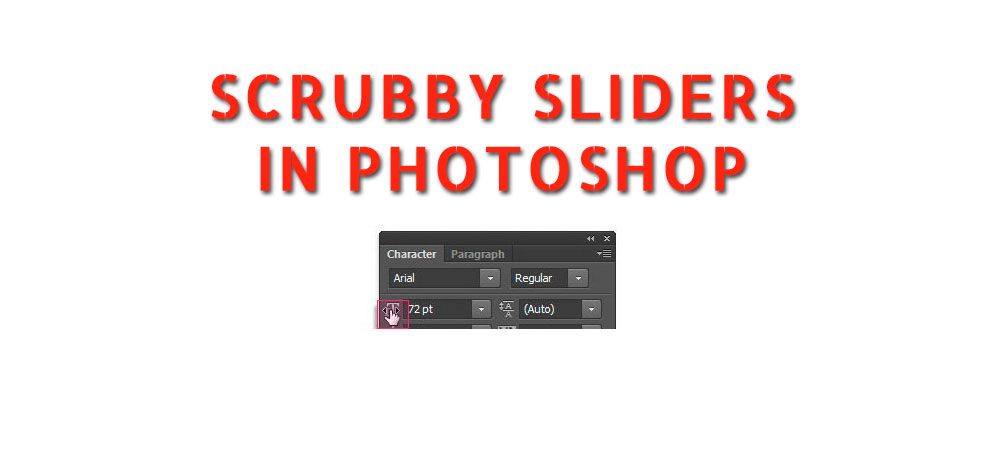
Hi, Here’s another little known feature inside Photoshop (and actually other Adobe products as well). Scrubby sliders are a fantastic feature that improves your working abilities inside Photoshop and other Adobe products. When you see a value (and it’s underlined), you can position your cursor over it and you get your cursor change into a […]

Adobe Creative Cloud

Photoshop CC 2015.5.1 now Available

Posted on
Adobe Creative Cloud 2016

Adobe announced the first update to Photoshop CC 2015.5. The main focus in this update is on fixing a number of bugs that were reported by users. Here are the bugs reported by customers that got fixed: Fixed customer submitted crashing issues Subtool reverts to primary tool after using keyboard shortcut Unable to Export individual layers […]

Lightroom

Lightroom for Apple TV Launched

Posted on

Adobe announced launching Lightroom for Apple TV. Lightroom app can now be downloaded from the App Store. To use it, users need to be on Creative Cloud, they need to sign in. And then, they can access their photographs. Lightroom app for Apple TV is not for editing, it’s just for viewing images. Share on […]